①
Find the crease
Lines and arrows show where and how to fold.
Origami for iPhone
Choose a model and follow its 3D animation, one fold at a time. Valley folds, mountain folds, and reverse folds, shown clearly.
iOS 17 or later · Free models to start
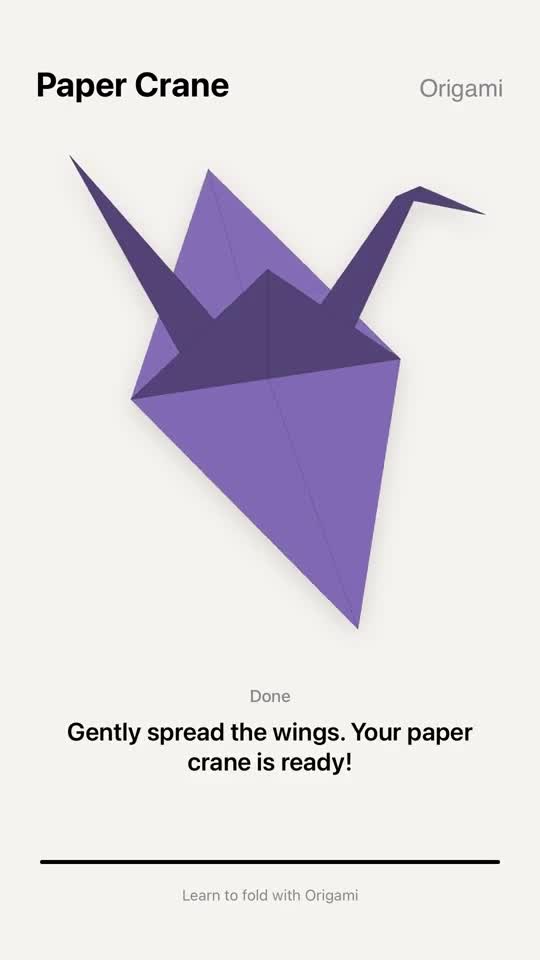
See the fold before you make it
Lines and arrows show where and how to fold.
See the paper turn and fold in 3D.
Compare the finished fold with the paper in your hands.
Take your time
Tap to pause or continue. Drag the progress bar to revisit any moment.
Watch the same fold again until it makes sense.
Slow a tricky step down to ½×.
Feel a light haptic tap as each fold lands.
From your first fold to something new
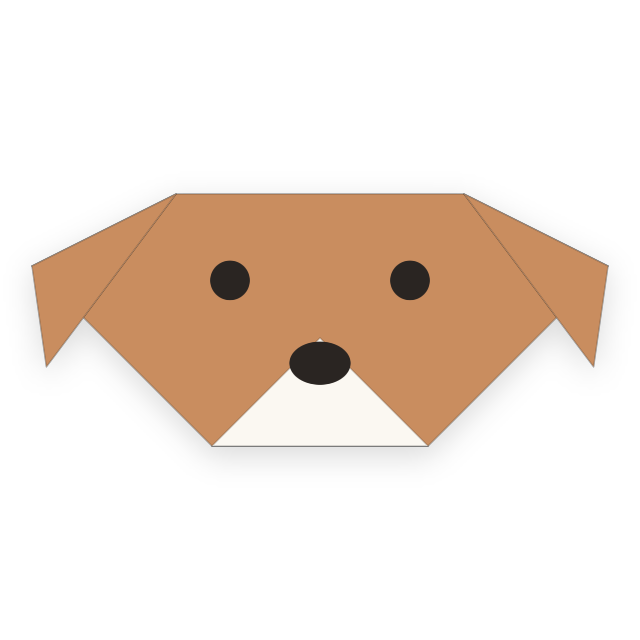 Free
Free5 steps · Beginner
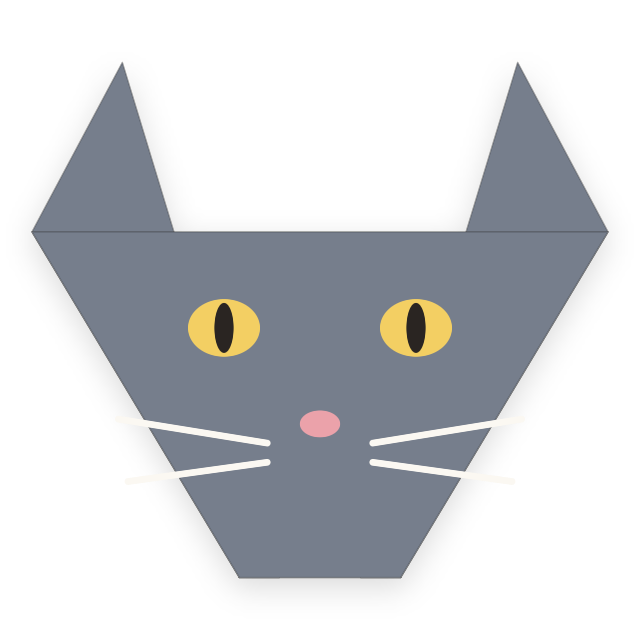 Free
Free5 steps · Beginner
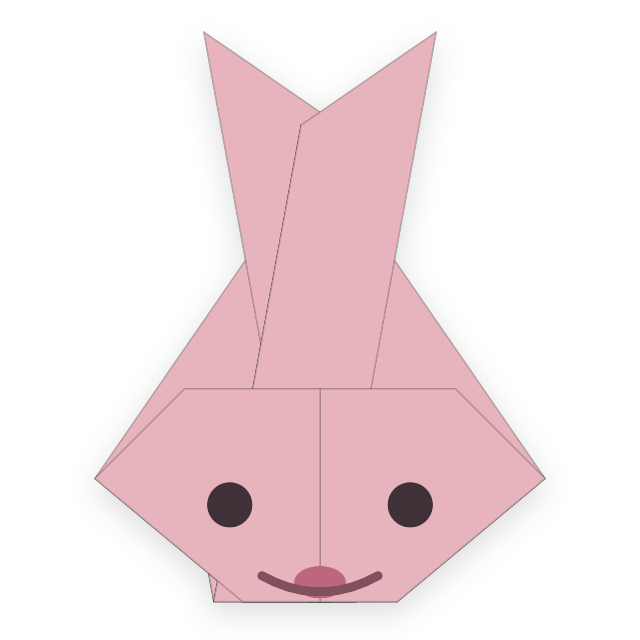 Free
Free7 steps · Beginner
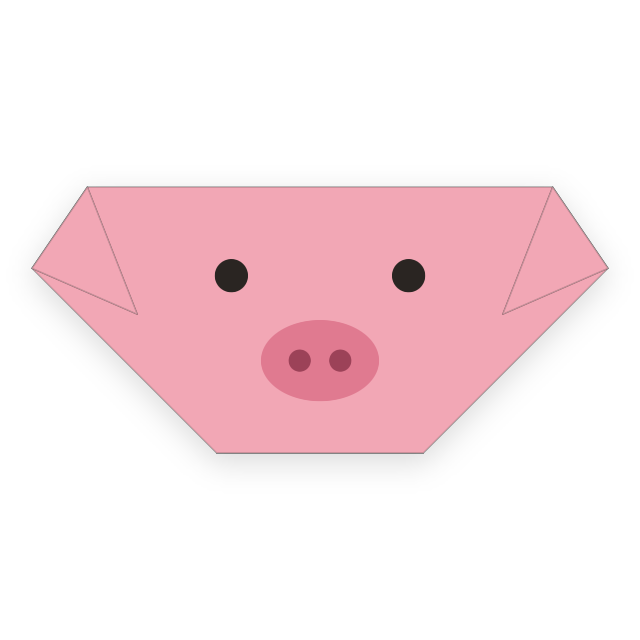 Free
Free3 steps · Beginner
 Free
Free4 steps · Beginner
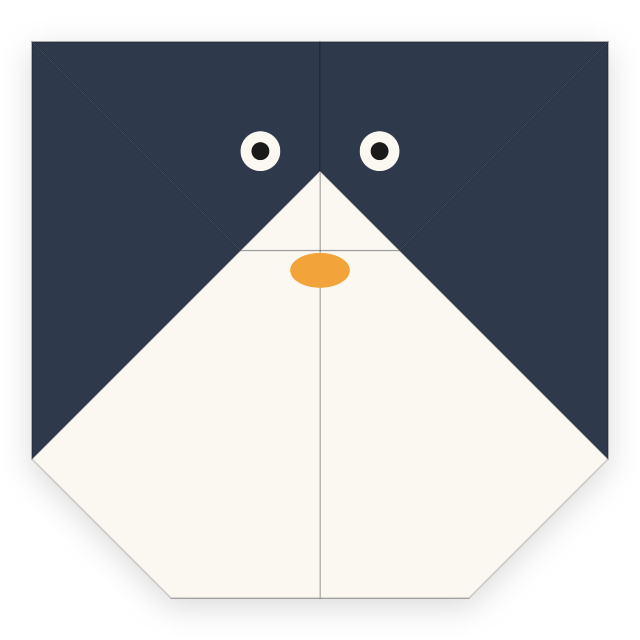 Free
Free5 steps · Beginner
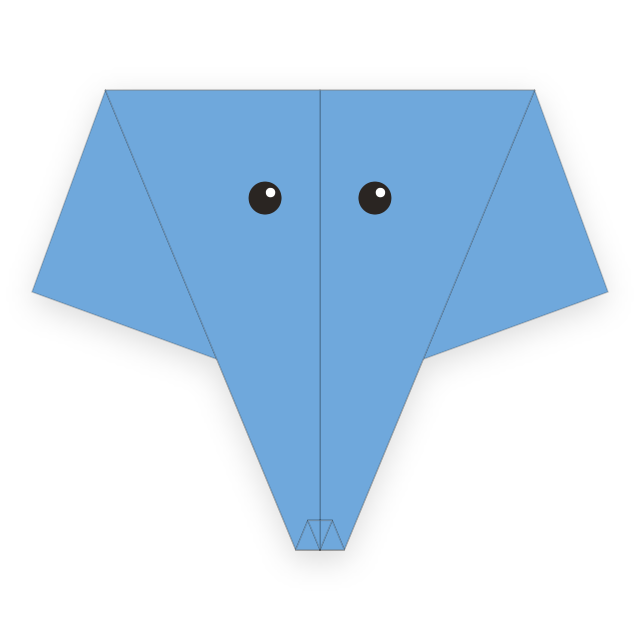 Free
Free7 steps · Beginner
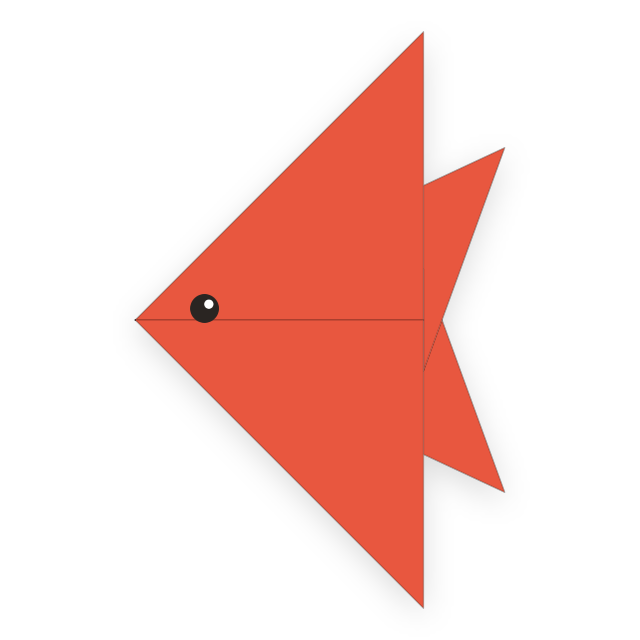 Free
Free5 steps · Beginner
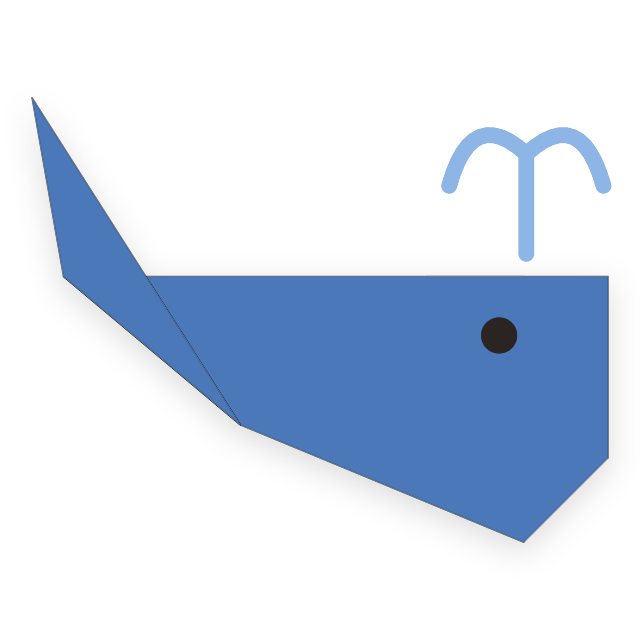 Free
Free6 steps · Easy
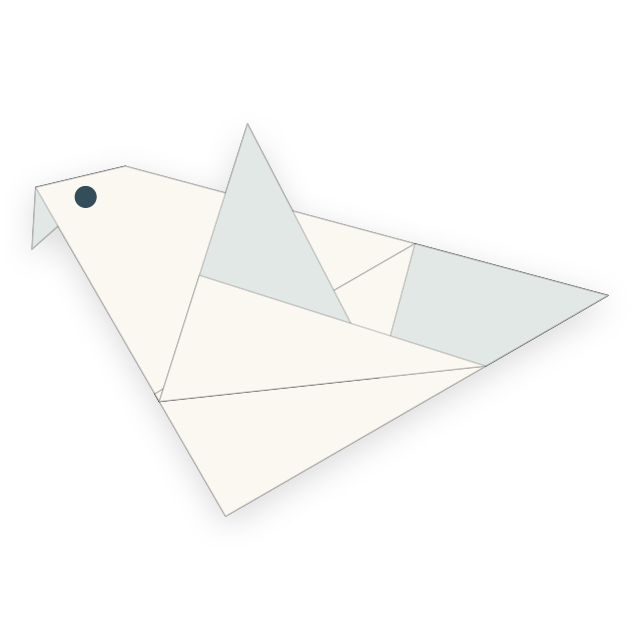 Free
Free8 steps · Easy
 Free
Free6 steps · Easy
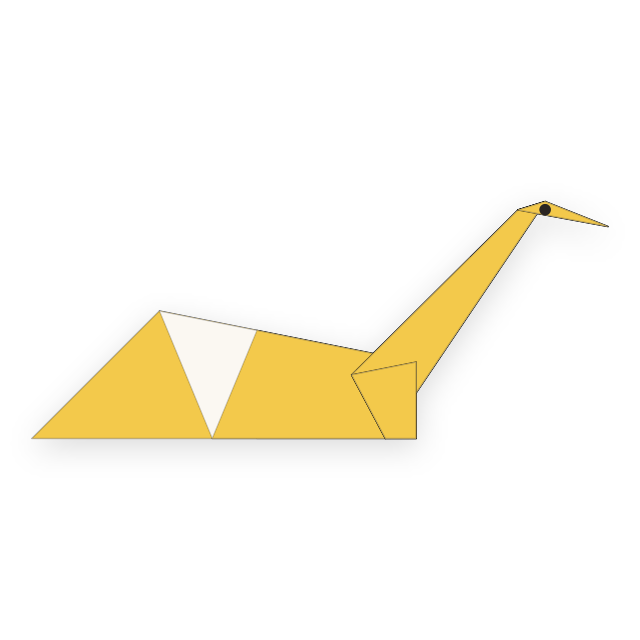 Free
Free9 steps · Easy
 Free
Free8 steps · Easy
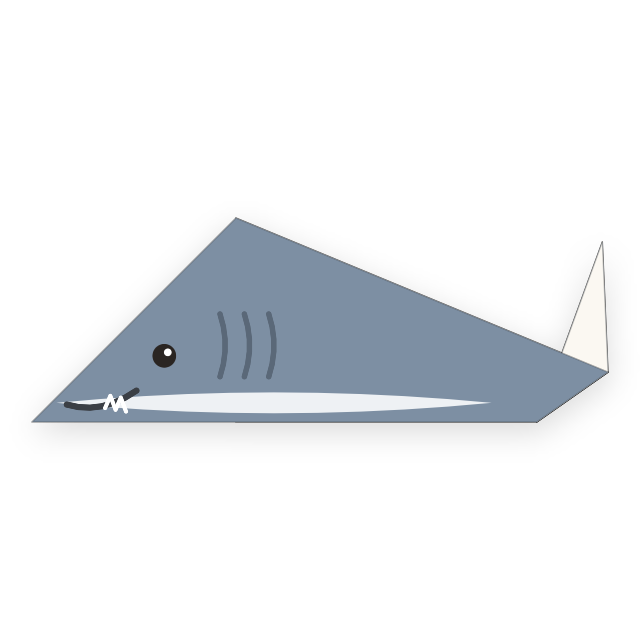 Free
Free4 steps · Easy
 Free
Free8 steps · Easy
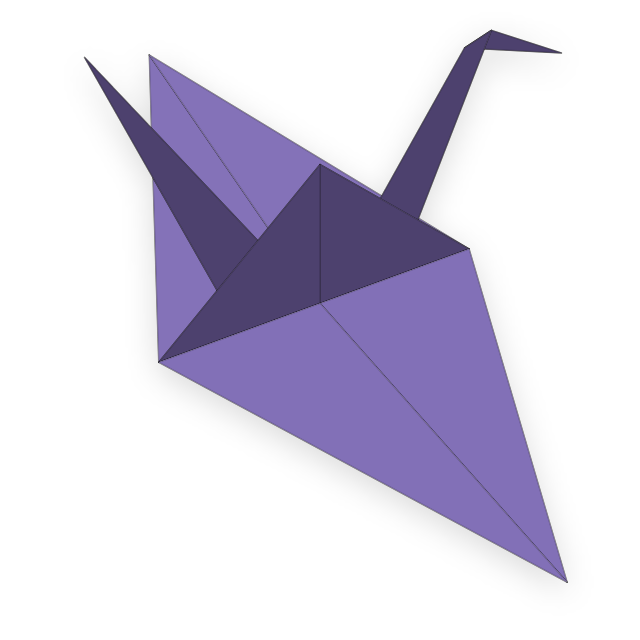
20 steps · Advanced
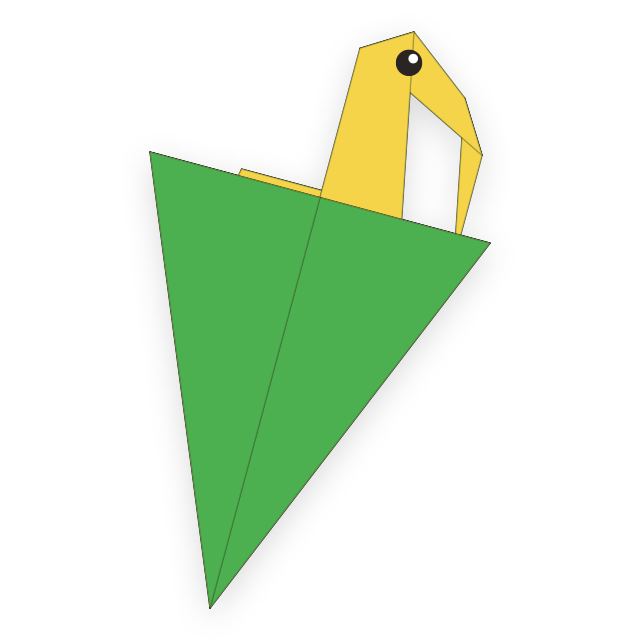
20 steps · Advanced
 Free
Free4 steps · Beginner
 Free
Free3 steps · Beginner
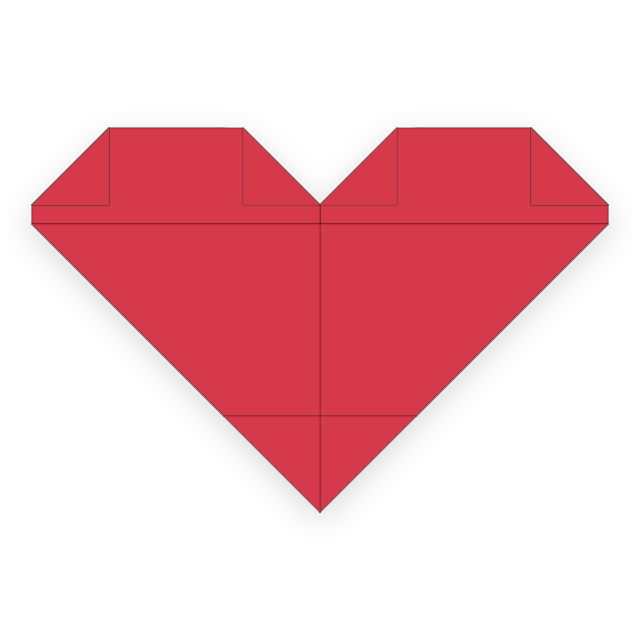 Free
Free6 steps · Easy
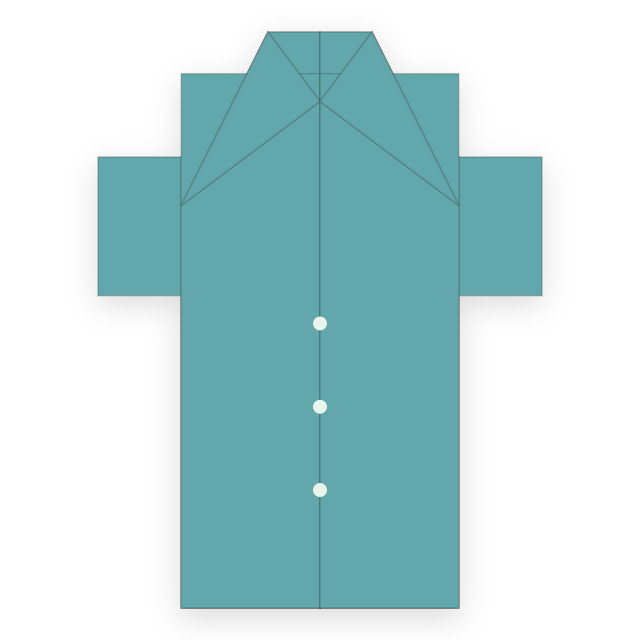 Free
Free6 steps · Easy
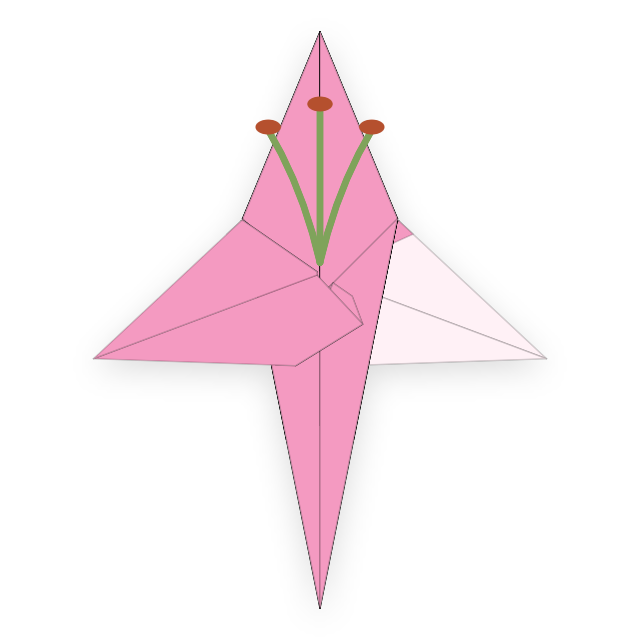
29 steps · Advanced
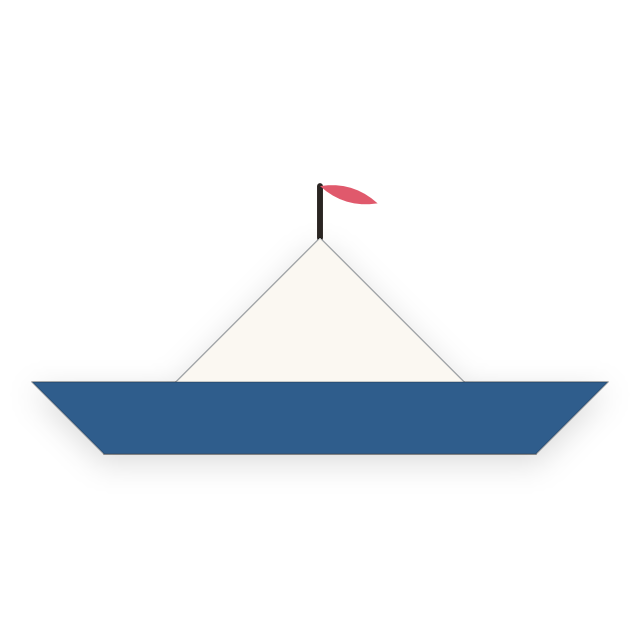 Free
Free3 steps · Beginner
 Free
Free4 steps · Beginner
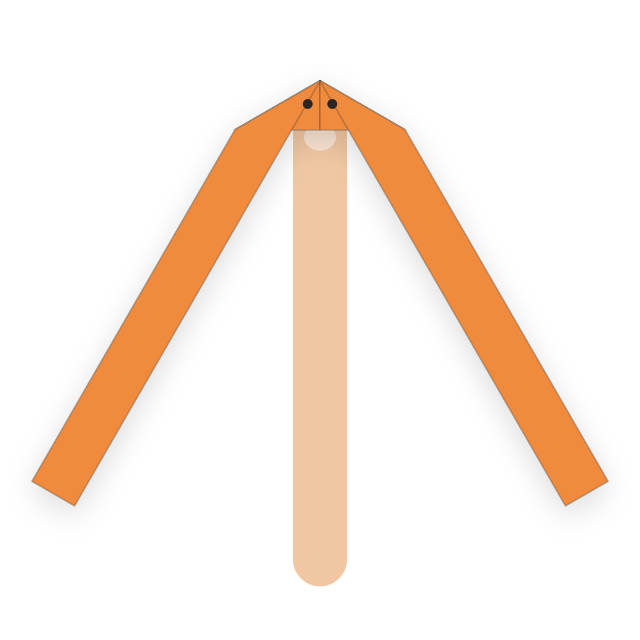 Free
Free4 steps · Beginner
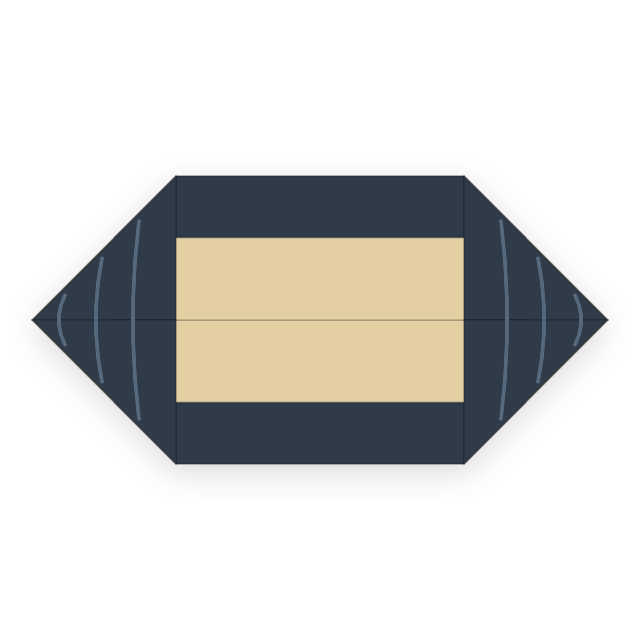 Free
Free3 steps · Beginner
 Free
Free6 steps · Beginner
 Free
Free6 steps · Beginner
 Free
Free5 steps · Easy
 Free
Free7 steps · Easy
 Free
Free9 steps · Easy
 Free
Free7 steps · Easy
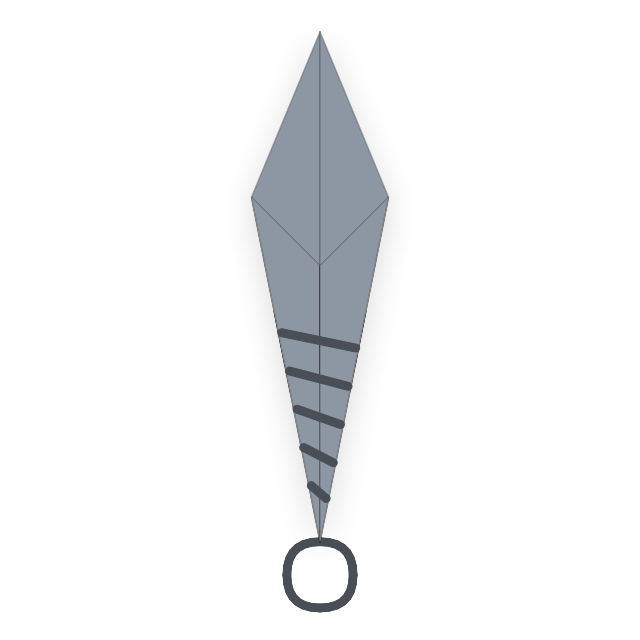 Free
Free4 steps · Easy
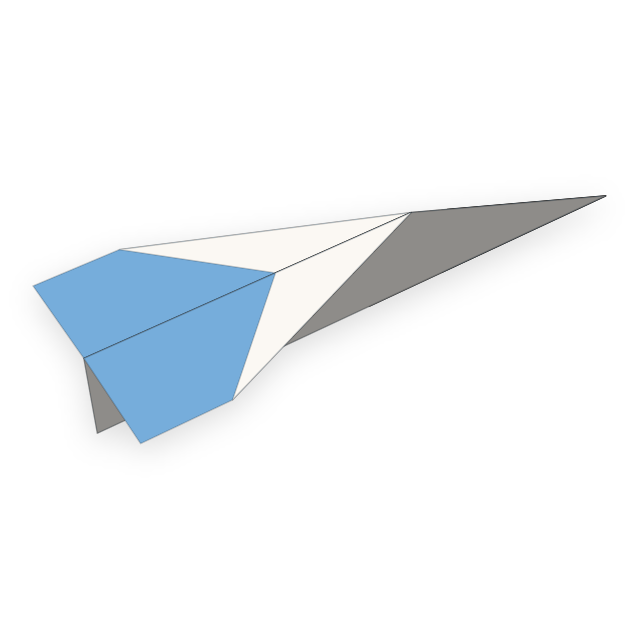
9 steps · Advanced
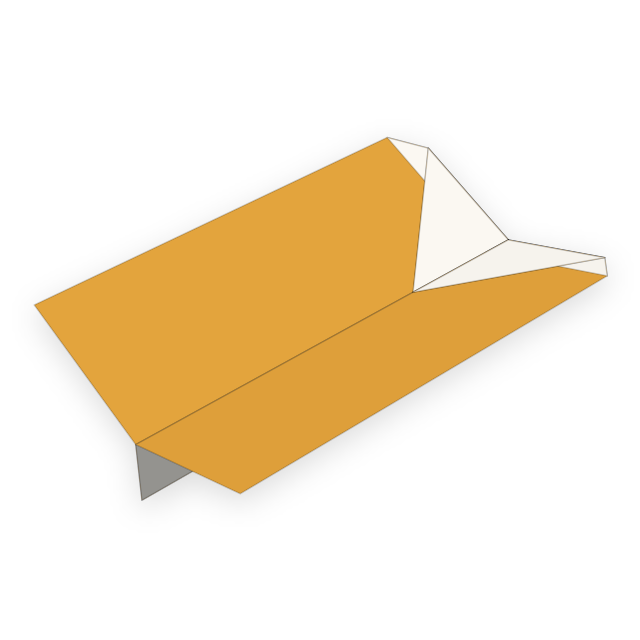 Free
Free7 steps · Easy
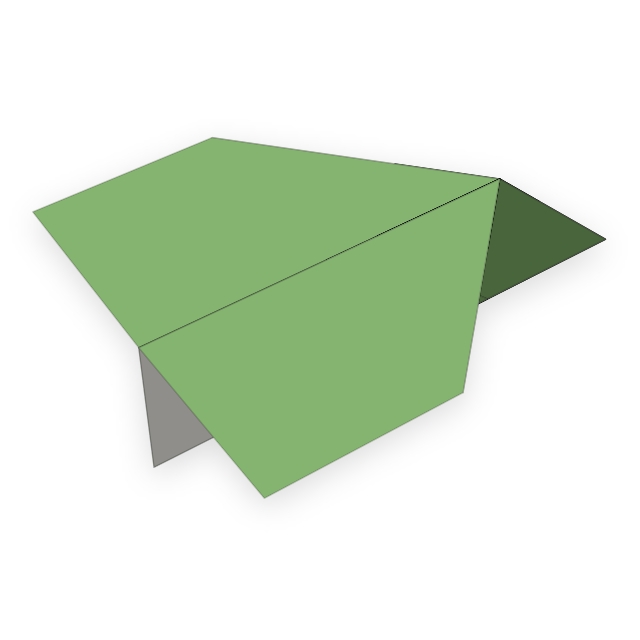 Free
Free8 steps · Easy
17 steps · Advanced
Models marked Free include every step. Preview the first 3 steps of the others.
Build the basics
Each lesson includes an animation and practical tips. When a model needs a trickier technique, the app links to the lesson that can help.
Fold the paper toward you. The crease dips inward like a valley.
Fold the paper away from you. The crease rises like a mountain.
Fold and unfold to leave a clear crease as a guide for later steps.
Turn the whole sheet over so the back faces up.
Crease a center line, then fold two edges to it to make a kite shape.
Tuck a corner between other layers to lock the model without glue.
Reverse a folded point inward between two layers. This shapes birds' necks and heads.
Unlike an inside reverse fold, the tip wraps around the outside of the existing layers.
Crease the diagonals and center lines, then collapse all four corners into a small square. This is a crane's first base.
Lift the front bottom corner up and bring both sides inward along the creases to make a long petal.
Reverse the crease directions used for a square base to collapse into a triangle. The frog and butterfly start here.
Keep what you have learned
All you need is a sheet of paper
CNY 0
Try a fold and find the fun
CNY 12
One-time purchase
No subscription or automatic renewal. The price shown in the App Store applies.
Before your first fold
iPhone and iPad running iOS 17 or later.
No. Models are included in the app. When online, it can download new models.
Tap Restore Purchases on the unlock screen using the same Apple Account.
No account, ads, or analytics. Read our Privacy Policy.
Need help with the app or a purchase, or have a model you would like to learn? Email us.
zhezhi@cometseek.comTap the email address to write to us